
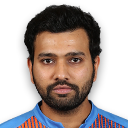
Rohit Sharma
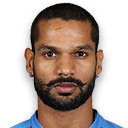
Shikhar Dhawan
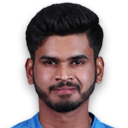
Shreyas Iyer
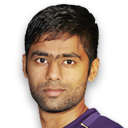
Suryakumar Yadav
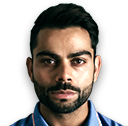
Virat Kohli
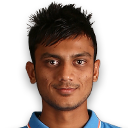
Axar Patel
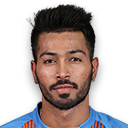
Hardik Pandya

Ravindra Jadeja

Ishan Kishan
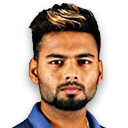
Rishabh Pant

Arshdeep Singh
Jasprit Bumrah
Mohammad Shami
Mohammed Siraj

Prasidh Krishna
Shardul Thakur

Yuzvendra Chahal
The Indian men's national cricket team, more popularly known as Team India and sometimes called Men in Blue, is a Full Member of the International Cricket Council (ICC) with Test, One-Day International (ODI), and Twenty20 International (T20I) status. The Indian cricket team has rivalries with other Test-playing nations, most notably with Pakistan. The rivalries with Australia, South Africa, and England have also gained prominence in recent times.
The Board of Control for Cricket in India (BCCI), the governing body of cricket in the country, The first recorded match in India was in 1721. However, it was only on June 25th, 1932, at the famous Lord's cricket ground in England that the Indian national cricket team played an official Test match. As only the sixth team to play Test cricket, India are known to be traditionally strong at home while not really making an impact on away tours. Much has changed since then.
The Indian cricket team went from strength to strength in the 1970s with the emergence of batsmen such as Sunil Gavaskar and Gundappa Viswanath, all-rounder Kapil Dev, and quality spin bowlers. During the 1980s, India developed a more aggressive batting line-up with stroke makers such as Azharuddin, Dilip Vengsarkar, and Ravi Shastri. In 1983, India went on to defeat the favorites and two-time defending champions, the West Indies, in the third ICC Cricket World Cup. This was definitely a high point in Indian sporting history.
The end of the '80s and '90s saw the debuts of Sachin Tendulkar, Saurav Ganguly, Rahul Dravid, Anil Kumble, and Javagal Srinath, who are considered to be among the greatest Indian players and brought much glory for the country with their stellar contributions.
Read ALso :
Comments
Post a Comment